


Key Takeaways
- Many libraries, senior centers, and nonprofits offer completely free computer classes tailored to older adults
- Online platforms like YouTube, AARP, and GrandPad provide self-paced learning options you can access from home
- Free classes can help you manage healthcare tasks like Medicare accounts and telehealth appointments
- Group classes build confidence and create social connections while you learn new digital skills
Why Computer Skills Matter for Seniors
Digital literacy has become essential for seniors in 2024 and beyond. Whether you're staying connected with family through video calls, managing your Medicare benefits online, or scheduling telehealth appointments, computer skills directly impact your independence and quality of life. Learning technology helps you access important healthcare information, manage finances securely, and stay socially engaged with loved ones across the country.
The good news is that you don't need to pay for expensive classes. Communities across America offer free, senior-friendly computer training programs designed specifically for older adults. These classes recognize that many seniors didn't grow up with computers and need patient, clear instruction starting from the basics.
Free Computer Classes at Public Libraries
Public libraries are one of the best-kept secrets for free computer education. Nearly every public library system in America offers free computer classes for seniors, often with no registration fee or requirement to have a library card (though getting one is also free). Library instructors understand the unique needs of older learners and typically keep class sizes small for personalized attention.
Basic computer skills and how to use a mouse and keyboard
Email setup and how to send, receive, and organize messages
Internet browsing and how to search for information safely
Social media basics including Facebook, Instagram, and video calling
Online shopping and secure payment methods
Cybersecurity and protecting yourself from scams
Smartphone and tablet fundamentals
Creating and sharing documents
To find classes near you, visit your local library's website or call the main branch. Most libraries offer classes multiple times per week at various skill levels. Many now offer both in-person and virtual classes, making it convenient to learn from home if you prefer.
Library Tech Help Tip
Most libraries also offer one-on-one technology help sessions where you can get personalized assistance with your specific questions. These appointments are typically free and last 30 minutes to an hour. Ask your librarian about scheduling a personal tech session.
Senior Centers and Community Organizations
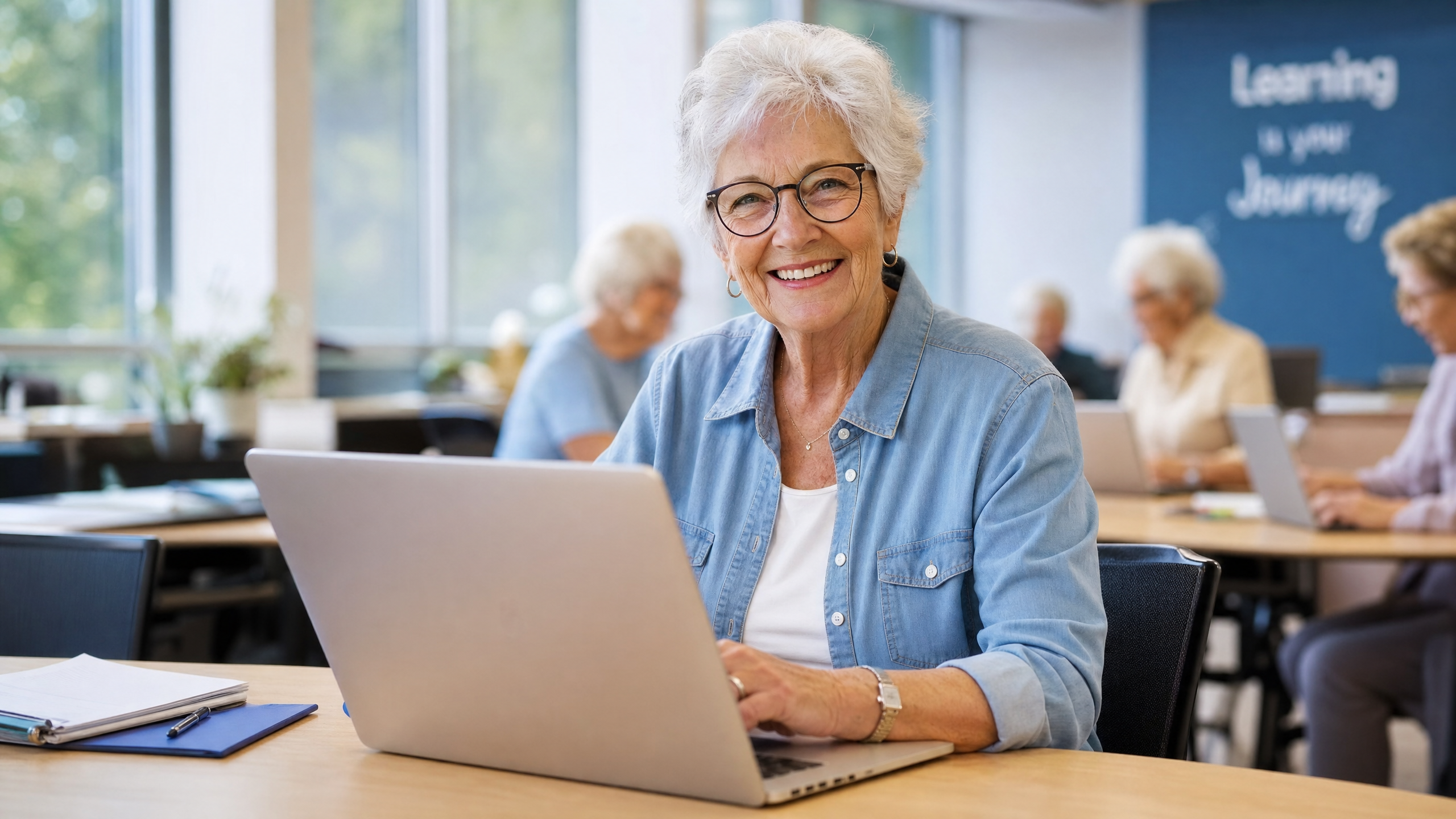
Senior centers throughout the United States are primary hubs for free computer education. These centers understand that learning technology in a social environment with peers can be more enjoyable and less intimidating than learning alone. Many senior centers offer drop-in classes, ongoing courses, and specialized workshops.
Contact your local Area Agency on Aging to find senior centers in your area
Look for classes specifically labeled "Computers for Seniors" or "Technology for Older Adults"
Ask about beginner, intermediate, and advanced level offerings
Check if childcare is available if you're learning while caring for grandchildren
Inquire about transportation assistance to attend classes
Ask if instructors provide printed materials or guides to take home
Organizations like AARP often partner with local senior centers to provide technology training. The National Council on Aging (NCOA) also coordinates tech education programs through its network of senior service providers. Additionally, some nonprofits focused on serving older adults offer free computer classes as part of their community mission.
Free Online Learning Platforms
If you prefer learning at your own pace from home, numerous free online platforms offer senior-friendly computer tutorials. These self-paced options allow you to rewatch lessons as many times as needed and learn on your own schedule.
| Platform | What It Offers | Best For |
|---|---|---|
| AARP Tech Guides | Free videos and guides on smartphones, tablets, computers, and apps | Comprehensive beginner resources |
| YouTube (Creator for Creators) | Senior-focused tech channels with step-by-step videos | Visual learners who like detailed demonstrations |
| GrandPad | Simplified tablet and communication classes designed for seniors | Staying connected with family remotely |
| Coursera & edX | Free audit options for many computer basics courses | Structured learning paths with certificates |
| Khan Academy | Beginner computer and internet skills | Building foundational knowledge systematically |
| Goodwill Community Foundation | GCFLearnFree.org with free tech tutorials | Comprehensive lessons from beginner to advanced |
YouTube channels like "Crash Course" and senior-specific tech channels offer engaging, free video instruction. You can pause, rewind, and rewatch as needed. Many of these channels are specifically designed with older learners in mind, using large text, clear audio, and patient pacing.
Learning Healthcare Technology
One of the most important reasons seniors need computer skills is managing their healthcare and Medicare benefits. Medicare's website (Medicare.gov) offers extensive resources, but learning to navigate them makes a significant difference in understanding your coverage, checking claims, and managing prescriptions.
Creating and logging into your Medicare.gov account to review coverage and claims
Understanding how to access your Medicare Summary Notice online instead of waiting for mail
Using telehealth platforms to connect with healthcare providers
Managing prescriptions through online pharmacy portals
Recording and organizing important health information digitally
Setting up health reminders and appointment calendars
Learning about Medicare Advantage and Medigap plan options online
Medicare Tech Resources
Medicare.gov itself offers free tutorials on how to use the website. If you have a Part B premium of $202.90/month in 2026, you'll want to understand how to manage these payments and track claims online. Many local Medicare counseling programs (SHIP - State Health Insurance Assistance Programs) offer free one-on-one help with technology questions related to Medicare.
How to Choose the Right Class for You
With so many options available, choosing the right class depends on your learning style, schedule, and comfort level. Consider these factors when making your decision.
Learning Style: Do you prefer group instruction with peers, one-on-one help, or self-paced online learning?
Skill Level: Are you a complete beginner or do you have some experience you want to build on?
Schedule: Do you need weekday mornings, evenings, weekends, or flexible online access?
Location: Would you rather attend in-person classes or learn from home?
Specific Topics: Are you focused on email, social media, healthcare apps, or general computer basics?
Accessibility: Do you need classes that accommodate mobility issues, hearing difficulties, or vision limitations?
Pace: Do you want intensive multi-week courses or ongoing drop-in sessions?
Don't hesitate to try a few different options to see what works best. Many people find success combining a group class with an online platform for additional practice at home. There's no single "right" way to learn-what matters is finding an approach that keeps you motivated and engaged.
Tips for Success in Computer Classes
Starting a computer class can feel intimidating, but thousands of seniors successfully learn technology skills every year. These practical tips will help you get the most from your learning experience.
Start with fundamentals: Don't skip the basics of mouse and keyboard use, even if they seem simple.
Practice regularly: Spending 15-30 minutes on your computer several times per week helps skills stick better than occasional long sessions.
Write things down: Keep a notebook of step-by-step instructions for processes you learn. Handwriting helps with memory.
Ask questions freely: Good instructors expect questions and encourage them. There are no "stupid" questions in computer classes.
Bring a friend: Learning with a peer can make classes more enjoyable and gives you someone to practice with at home.
Don't compare yourself: Everyone learns at their own pace. Your classmates' speed has nothing to do with your ability.
Set realistic goals: Instead of trying to learn everything at once, focus on one or two skills per class.
Use provided materials: Keep handouts, reference guides, or resource lists the instructor provides.
Practice between classes: The more you use what you've learned, the better it sticks.
Celebrate small wins: Learning a new skill at any age is an accomplishment worth acknowledging.
Remember that instructors teaching seniors understand that many of you didn't grow up with computers. They expect to move at a comfortable pace and explain concepts thoroughly. You're not behind-you're simply taking this journey now, and that's perfectly okay.
Free Computer Classes by State
Every state has free technology resources for seniors. Start by searching your state's Department on Aging website, which will direct you to local senior services. You can also contact your Area Agency on Aging directly-staff members can tell you exactly what's available in your community and help you register for classes.
Visit your state's Aging agency website (search "[Your State] Department on Aging")
Call 211 to connect with local senior services and ask about computer classes
Visit your local senior center or recreation department office in person
Ask your doctor's office-they often know about community tech training programs
Check with your local library about upcoming computer classes and one-on-one help sessions
Contact AARP's state office to learn about partnerships with local providers
Frequently Asked Questions
Have Medicare questions?
Our licensed Medicare agents are available to help you find the right coverage.